# plane
**Repository Path**: BenjaminPei/plane
## Basic Information
- **Project Name**: plane
- **Description**: Plane 是开源项目管理工具,可作为 JIRA 的开源替代方案,其界面简洁美观,支持 Docker 部署,还支持从 GitHub 或 JIRA 直接导入
- **Primary Language**: Python
- **License**: AGPL-3.0
- **Default Branch**: preview
- **Homepage**: None
- **GVP Project**: No
## Statistics
- **Stars**: 0
- **Forks**: 5
- **Created**: 2025-08-29
- **Last Updated**: 2025-08-29
## Categories & Tags
**Categories**: Uncategorized
**Tags**: None
## README

Plane
Open-source project management that unlocks customer value


Website •
Releases •
Twitter •
Documentation


Meet [Plane](https://dub.sh/plane-website-readme), an open-source project management tool to track issues, run ~sprints~ cycles, and manage product roadmaps without the chaos of managing the tool itself. 🧘♀️
> Plane is evolving every day. Your suggestions, ideas, and reported bugs help us immensely. Do not hesitate to join in the conversation on [Discord](https://discord.com/invite/A92xrEGCge) or raise a GitHub issue. We read everything and respond to most.
## ⚡ Installation
The easiest way to get started with Plane is by creating a [Plane Cloud](https://app.plane.so) account.
If you would like to self-host Plane, please see our [deployment guide](https://docs.plane.so/docker-compose).
| Installation methods | Docs link |
| -------------------- | ------------------------------------------------------------------------------------------------------------------------------------------------------------ |
| Docker | [](https://docs.plane.so/self-hosting/methods/docker-compose) |
| Kubernetes | [](https://docs.plane.so/kubernetes) |
`Instance admins` can configure instance settings with [God-mode](https://docs.plane.so/instance-admin).
## 🚀 Features
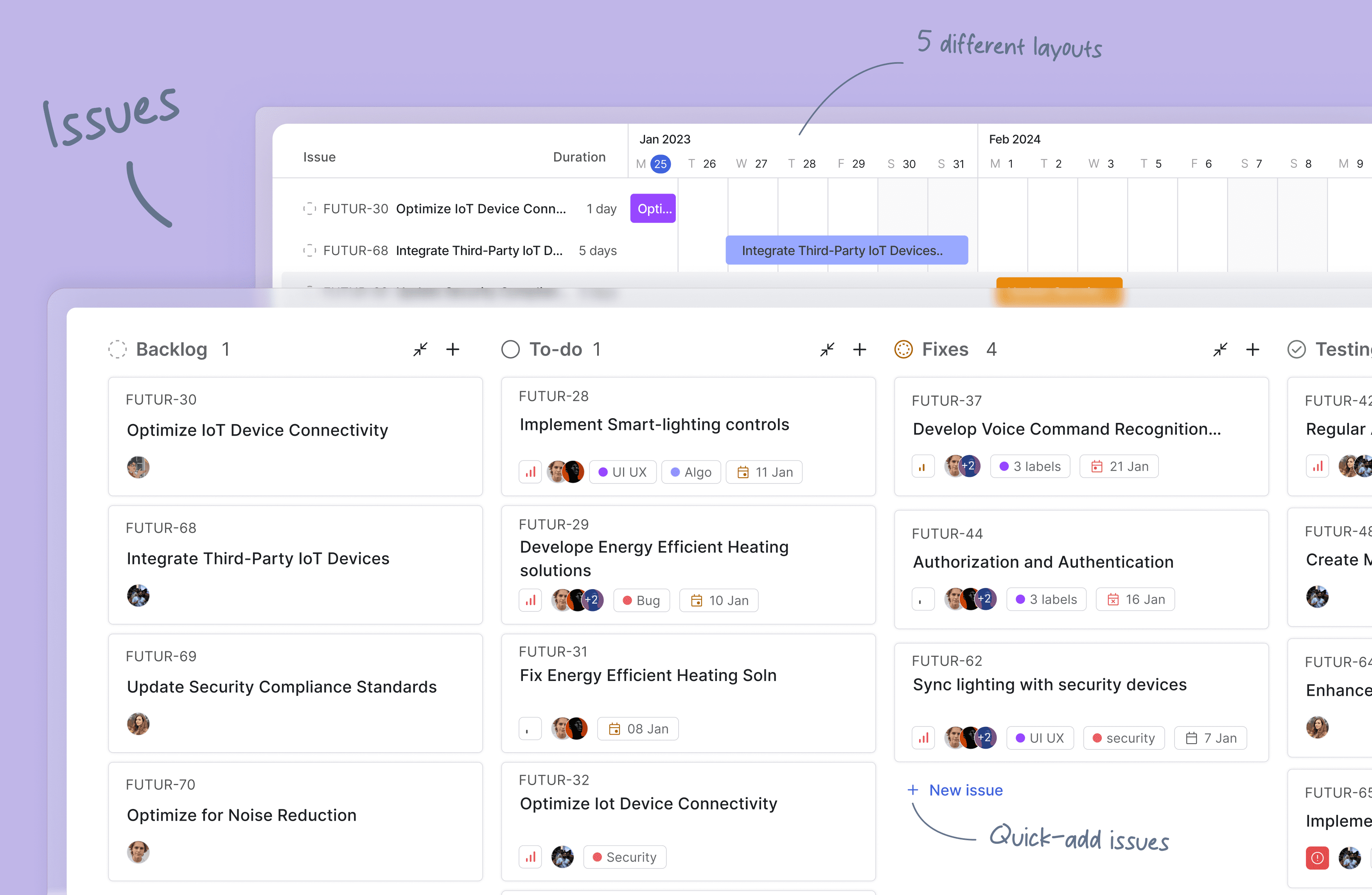
- **Issues**: Quickly create issues and add details using a powerful rich text editor that supports file uploads. Add sub-properties and references to problems for better organization and tracking.
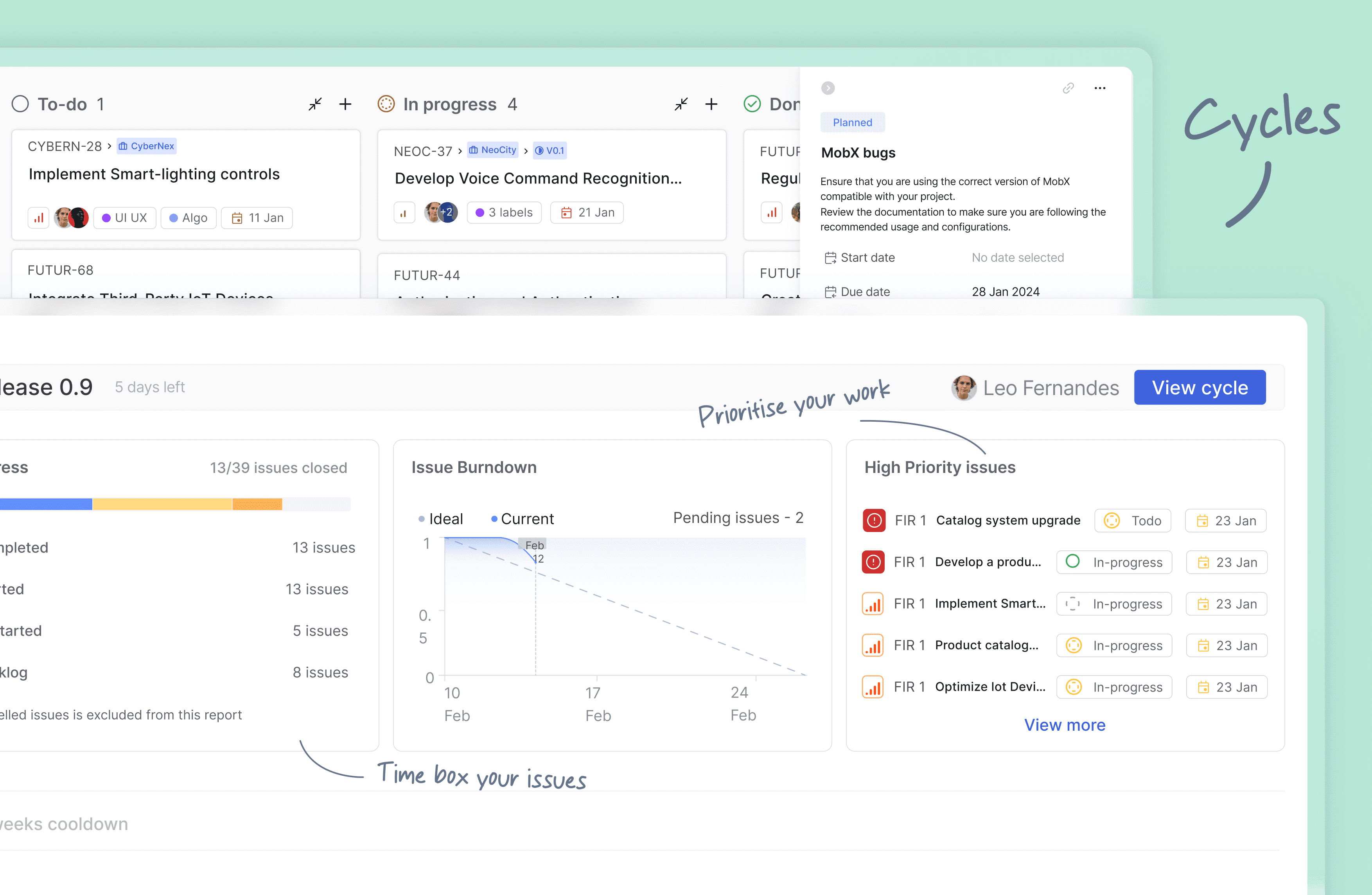
- **Cycles**:
Keep up your team's momentum with Cycles. Gain insights into your project's progress with burn-down charts and other valuable features.
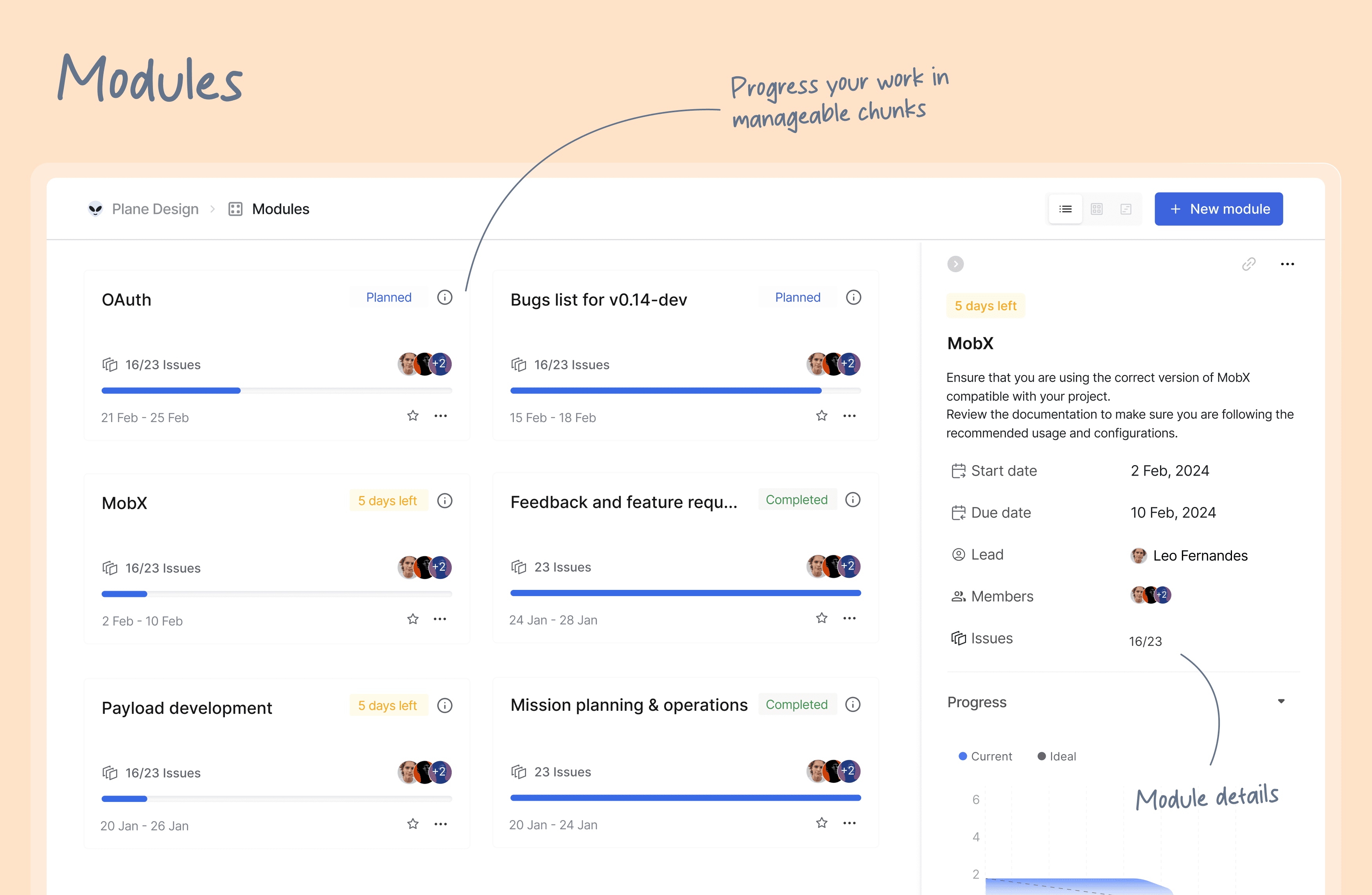
- **Modules**: Break down your large projects into smaller, more manageable modules. Assign modules between teams to track and plan your project's progress easily.
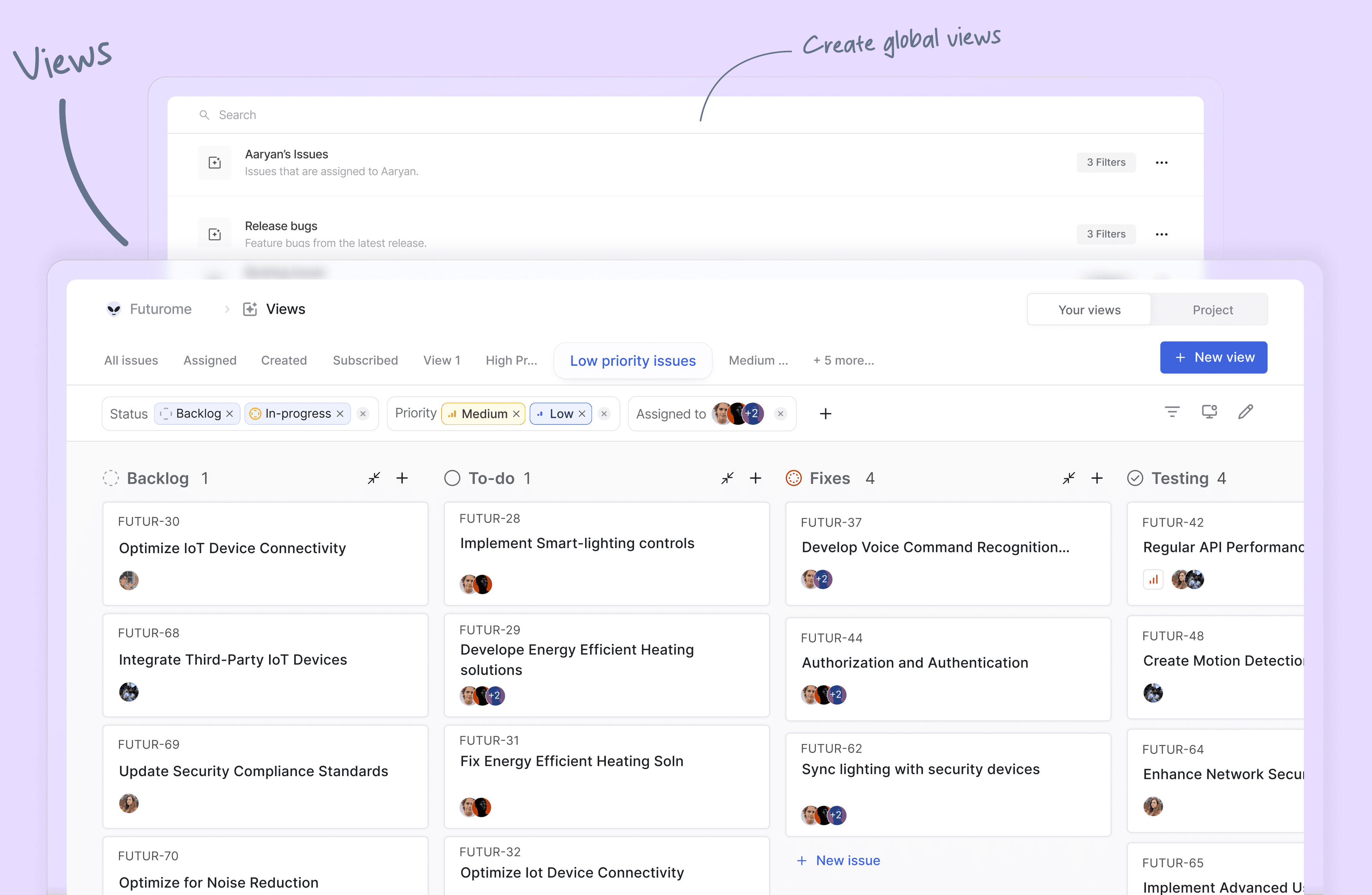
- **Views**: Create custom filters to display only the issues that matter to you. Save and share your filters in just a few clicks.
- **Pages**: Plane pages, equipped with AI and a rich text editor, let you jot down your thoughts on the fly. Format your text, upload images, hyperlink, or sync your existing ideas into an actionable item or issue.
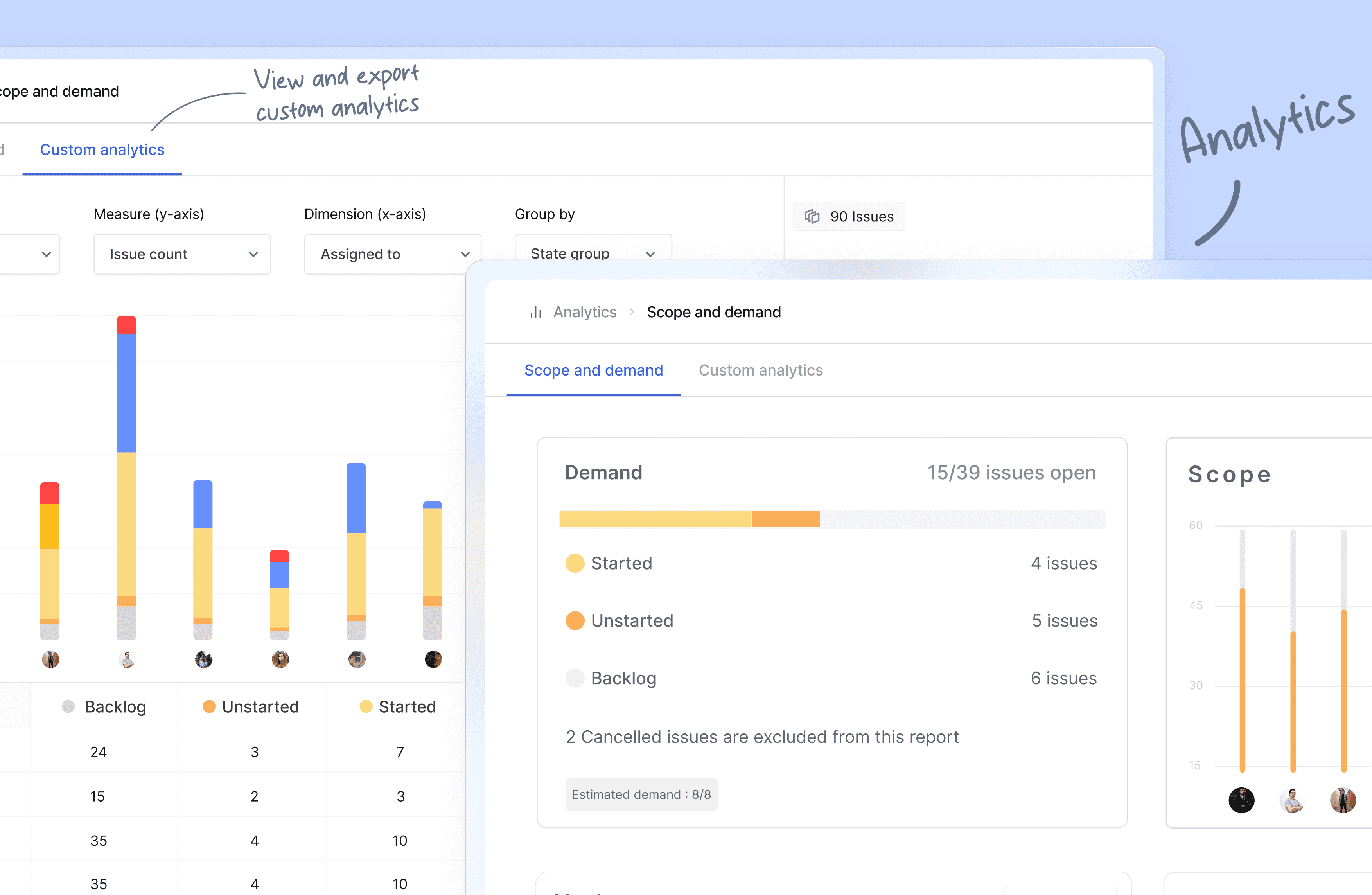
- **Analytics**: Get insights into all your Plane data in real-time. Visualize issue data to spot trends, remove blockers, and progress your work.
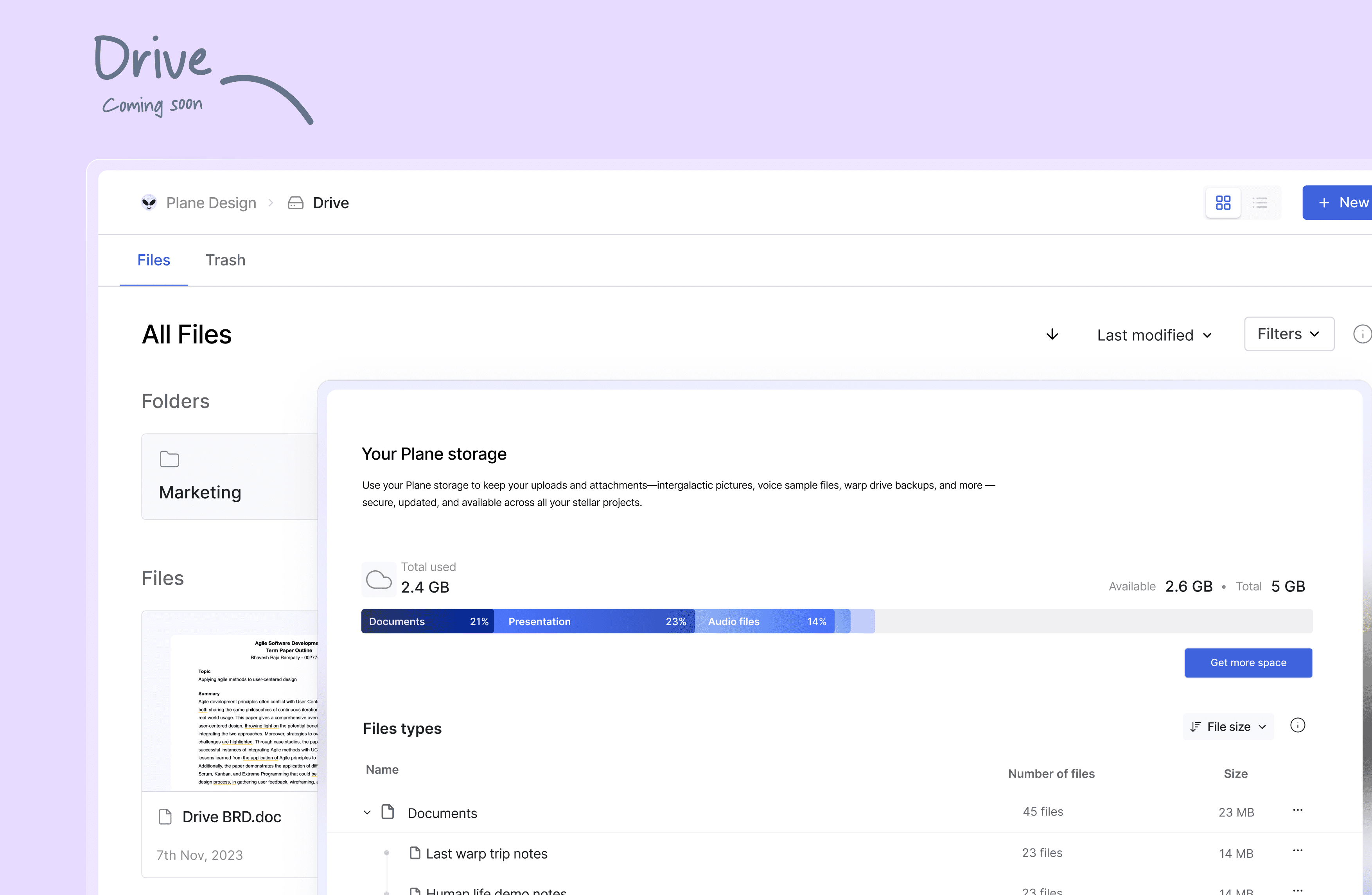
- **Drive** (_coming soon_): The drive helps you share documents, images, videos, or any other files that make sense to you or your team and align on the problem/solution.
## 🛠️ Quick start for contributors
> Development system must have docker engine installed and running.
Setting up local environment is extremely easy and straight forward. Follow the below step and you will be ready to contribute -
1. Clone the code locally using:
```
git clone https://github.com/makeplane/plane.git
```
2. Switch to the code folder:
```
cd plane
```
3. Create your feature or fix branch you plan to work on using:
```
git checkout -b
```
4. Open terminal and run:
```
./setup.sh
```
5. Open the code on VSCode or similar equivalent IDE.
6. Review the `.env` files available in various folders.
Visit [Environment Setup](./ENV_SETUP.md) to know about various environment variables used in system.
7. Run the docker command to initiate services:
```
docker compose -f docker-compose-local.yml up -d
```
You are ready to make changes to the code. Do not forget to refresh the browser (in case it does not auto-reload).
Thats it!
## ❤️ Community
The Plane community can be found on [GitHub Discussions](https://github.com/orgs/makeplane/discussions), and our [Discord server](https://discord.com/invite/A92xrEGCge). Our [Code of conduct](https://github.com/makeplane/plane/blob/master/CODE_OF_CONDUCT.md) applies to all Plane community chanels.
Ask questions, report bugs, join discussions, voice ideas, make feature requests, or share your projects.
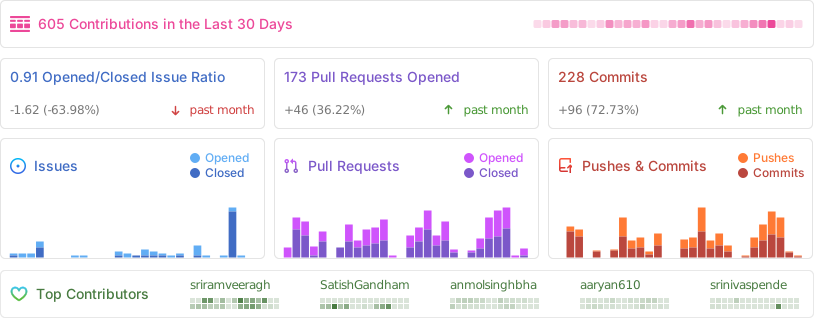
### Repo Activity
## 📸 Screenshots
## ⛓️ Security
If you believe you have found a security vulnerability in Plane, we encourage you to responsibly disclose this and not open a public issue. We will investigate all legitimate reports.
Email squawk@plane.so to disclose any security vulnerabilities.
## ❤️ Contribute
There are many ways to contribute to Plane, including:
- Submitting [bugs](https://github.com/makeplane/plane/issues/new?assignees=srinivaspendem%2Cpushya22&labels=%F0%9F%90%9Bbug&projects=&template=--bug-report.yaml&title=%5Bbug%5D%3A+) and [feature requests](https://github.com/makeplane/plane/issues/new?assignees=srinivaspendem%2Cpushya22&labels=%E2%9C%A8feature&projects=&template=--feature-request.yaml&title=%5Bfeature%5D%3A+) for various components.
- Reviewing [the documentation](https://docs.plane.so/) and submitting [pull requests](https://github.com/makeplane/plane), from fixing typos to adding new features.
- Speaking or writing about Plane or any other ecosystem integration and [letting us know](https://discord.com/invite/A92xrEGCge)!
- Upvoting [popular feature requests](https://github.com/makeplane/plane/issues) to show your support.
### We couldn't have done this without you.