# Tia-notify
**Repository Path**: ParkJun/Tia-notify
## Basic Information
- **Project Name**: Tia-notify
- **Description**: 基于Netty-socketIO的可集群的多Namespace长连接服务,可用于IM,推送等场景
- **Primary Language**: Java
- **License**: Apache-2.0
- **Default Branch**: main
- **Homepage**: https://github.com/yujuncai/Tia-notify
- **GVP Project**: No
## Statistics
- **Stars**: 4
- **Forks**: 1
- **Created**: 2023-06-06
- **Last Updated**: 2024-01-19
## Categories & Tags
**Categories**: Uncategorized
**Tags**: WebSocket, IM, 推送, 长连接
## README
# Tia
基于Netty-socketIO的可集群的多Namespace长连接服务
## 技术栈说明
### 后端
| 技术栈 | 版本 |
| --- | --- |
| socket.io-client(java-websocket客户端支持) | 1.0.2 |
| netty-socketio(socket.io的java语言服务端实现) | 2.0.6 |
| jdk | >= 17 |
| springboot | 3.0.0 |
| redisson | 3.24.3 |
| Jgroups | 5.3.0.Final |
| jprotobuf | 2.4.20 |
### 前端(待补充)
| 技术栈 | 版本 |
| --- | --- |
| socket.io-client(js-websocket客户端支持) | 2.5.0(目前netty-socketio仅支持2.x版本的socket.io-client) |
## 文档
1.为什么不用原生的websocket,而选用socketio
[为何选用Socket.io](https://github.com/yujuncai/Tia-notify/blob/main/docs/%E4%B8%BA%E4%BD%95%E9%80%89%E7%94%A8%E7%9A%84%E6%98%AFSocket.io.md)
2.集群的思路
[集群思路](https://github.com/yujuncai/Tia-notify/blob/main/docs/%E9%9B%86%E7%BE%A4%E6%80%9D%E8%B7%AF.md)
3.系统调优
[系统调优](https://github.com/yujuncai/Tia-notify/blob/main/docs/%E7%B3%BB%E7%BB%9F%E8%B0%83%E4%BC%98.md)
4.EIO协议说明
[eio协议官方说明](https://socket.io/zh-CN/docs/v4/engine-io-protocol/#protocol)
---
## 规范说明
### 提交格式
项目格式化代码的方式采用IntelliJ Idea默认的格式化
- 一个功能点作为一次提交...重要
代码提交的说明(commit message) 按照下面给出的些常用格式
- feat[module]: 新增某一项功能
- perf[module]: 优化了模块代码或者优化了什么功能
- fix[module]: 修改了什么bug
- test[module]: 测试了什么东西
- del[module]: 删除了某些功能或者无用代码
- ref[module]: 重命名或者重构了模块
- doc[module]: 增加了什么文档
更多详情请参考:
[commit-types](https://github.com/pvdlg/conventional-changelog-metahub#commit-types)
---
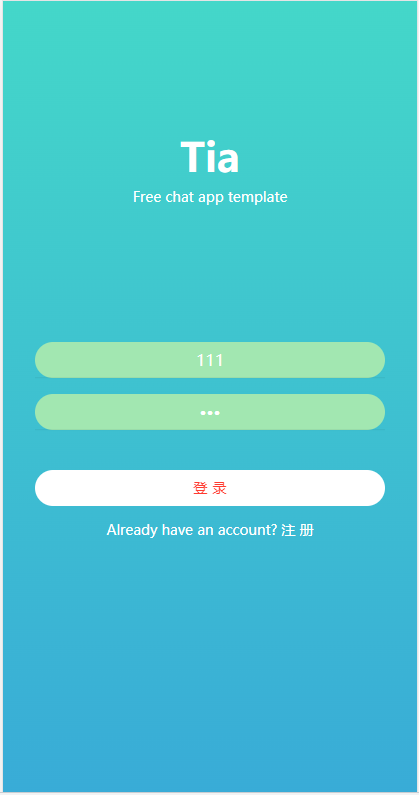
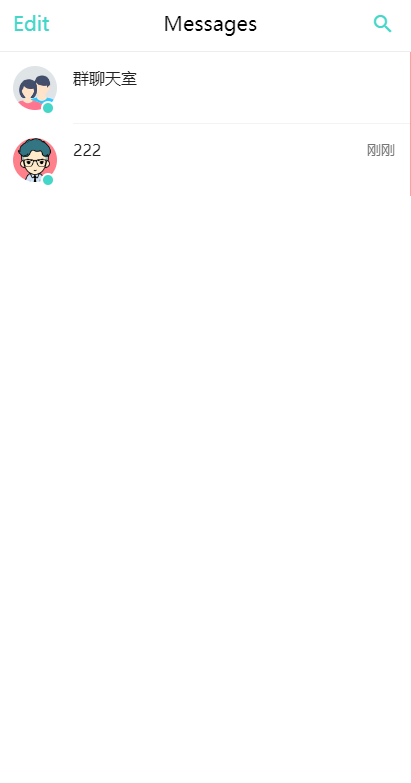
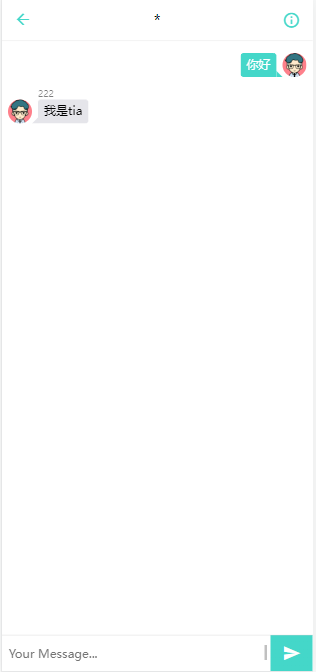
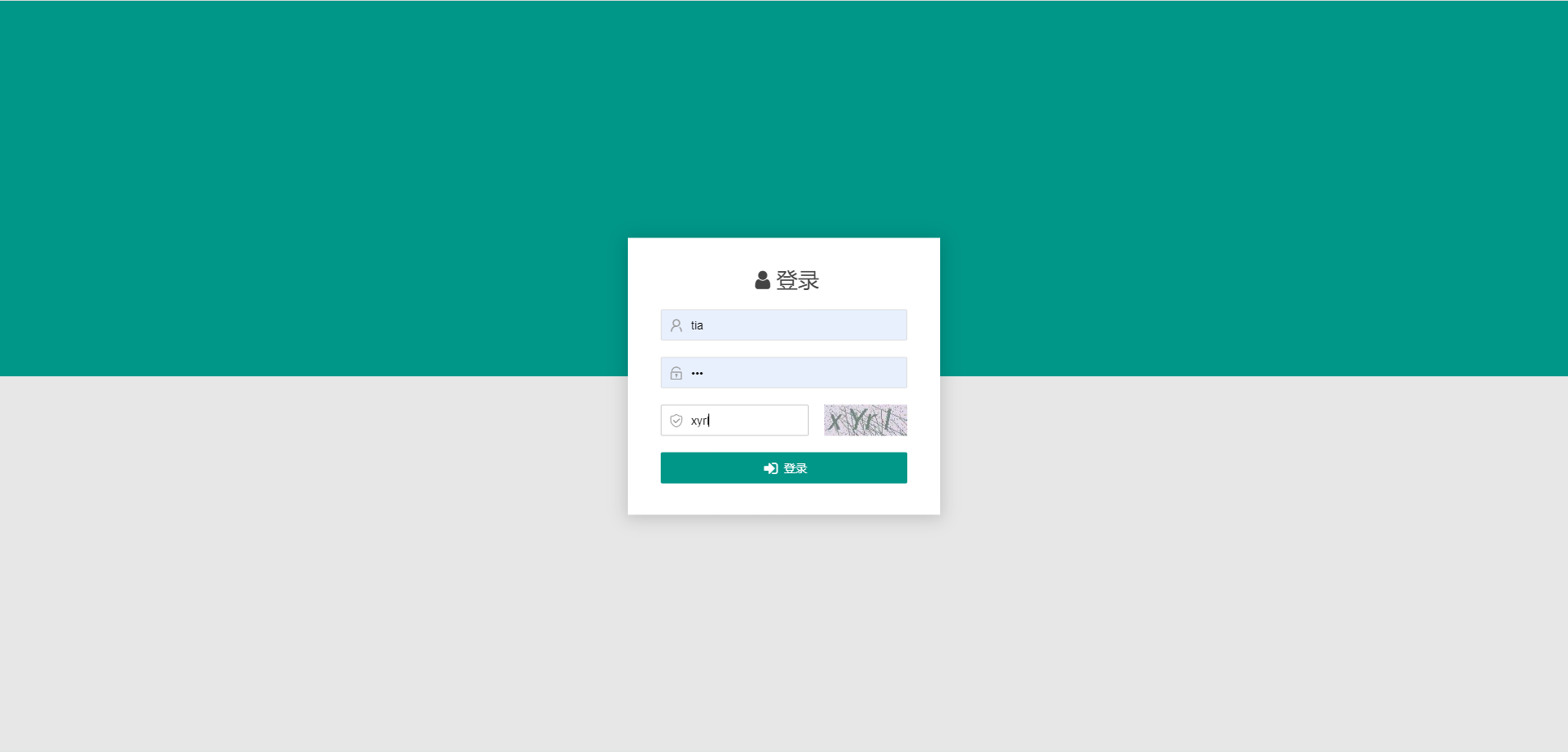
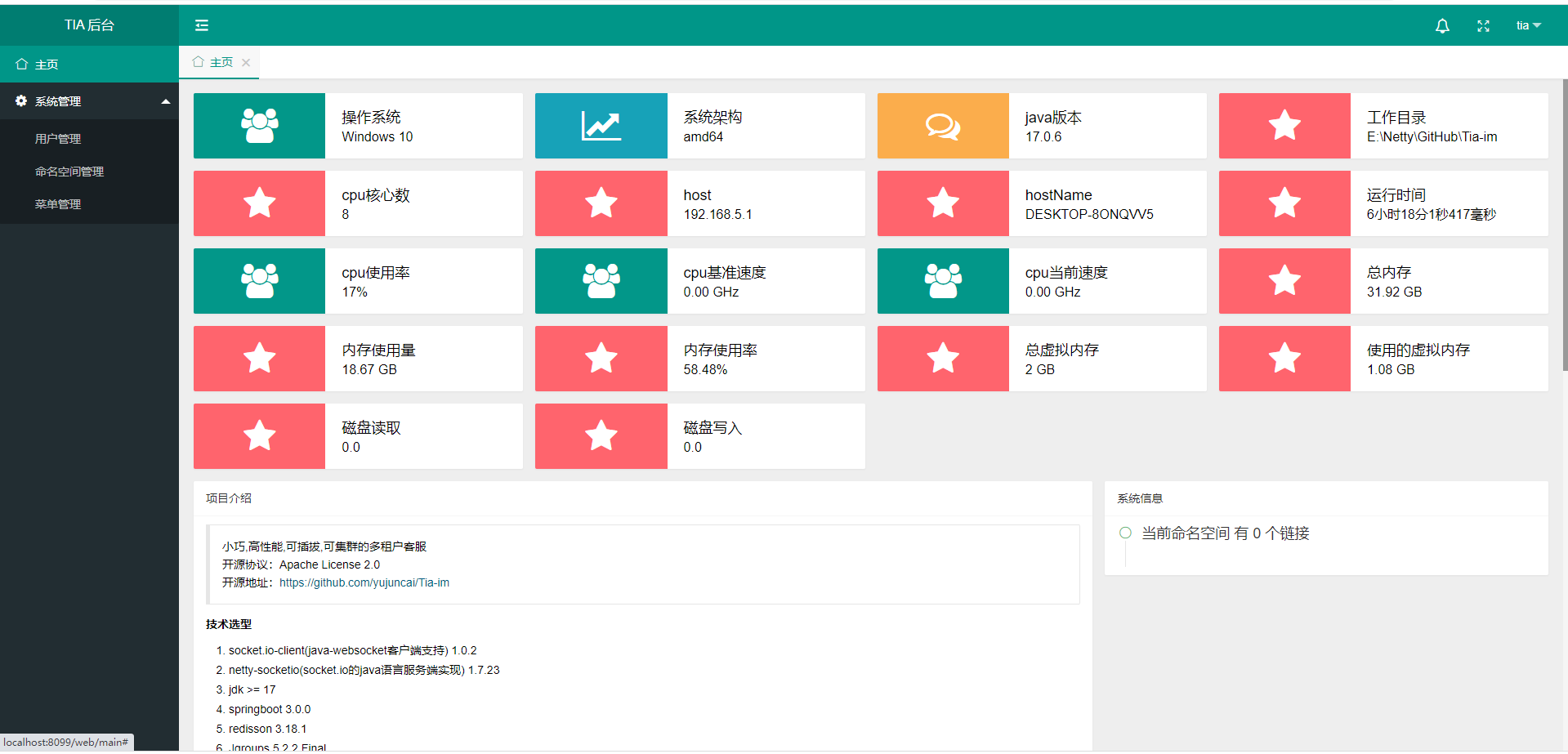
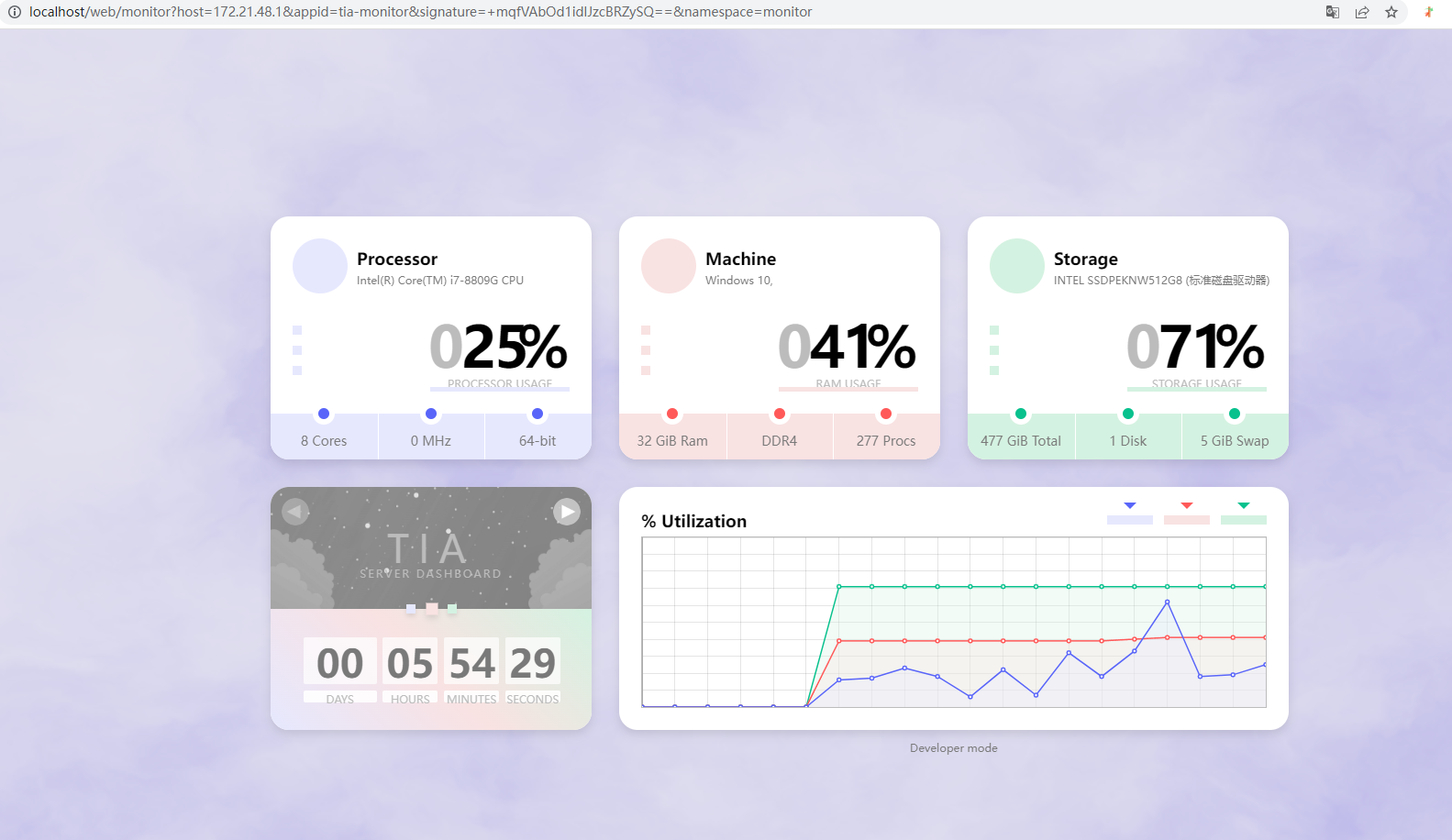
## 页面展示
#### H5
客户端demo源码地址:
[客户端demo](https://github.com/yujuncai/Tia-web-demo)
#### PC
##### 
##### 
##### 
## 感谢
前端代码是在是写的不咋地!很多前端是从其他项目里扣出来的,也用来部分代码,感谢一下项目
https://github.com/auntvt/Timo 后台管理页面
https://github.com/Rudolf-Barbu/Ward 监控页面
https://github.com/nguyencse/HeyU 客户端UI
## 简单使用说明
1.先查看server的配置文件,确保cluster在standone状态
2.导入sql文件 本地是5.7的sql 如果是8.0 的修改下类型即可
3.配置好必要的参数 redis和mysql,导入sql
4.启动server
5.管理后台tomcat http://localhost/web/login 默认端口80,Netty 默认8080
要体验客户端请将https://github.com/yujuncai/Tia-web-demo代码放入resources/static/webDemo文件夹下
PS:前端只是demo,不能生产使用,而且代码极烂,有前端大佬来帮帮我吗?