# vue2-admin-lte ([Demo](https://devjin0617.github.io/vue2-admin-lte/))
> AdminLTE of Admin control panel template Based on Vuejs 2.x Front-end Framework.
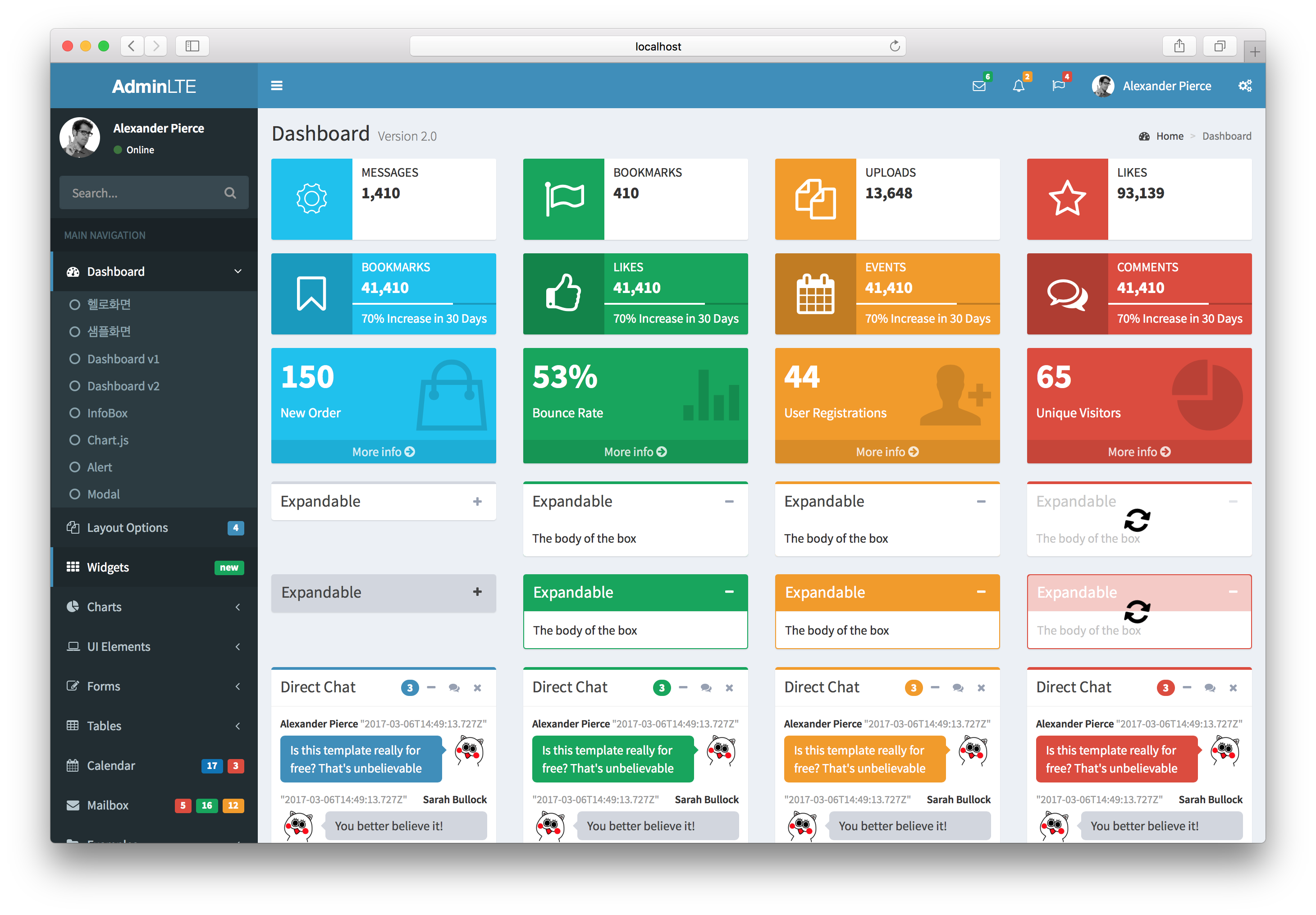
## Documentation
> [https://devjin0617.gitbooks.io/vue2-admin-lte-guide/](https://devjin0617.gitbooks.io/vue2-admin-lte-guide/)
## Demo Build Setup
``` bash
# install dependencies
npm install
# serve with hot reload at localhost:8080
npm run dev
# build for production with minification
npm run build
# build for production and view the bundle analyzer report
npm run build --report
# run unit tests: coming soon
# npm run unit
# run e2e tests: coming soon
# npm run e2e
# run all tests: coming soon
# npm test
```
## How to use
First, install `vue2-admin-lte` via npm.
```bash
$ npm i --save vue2-admin-lte
```
append alias config in webpack
```javascript
module.exports = {
resolve: {
alias: {
'va': 'vue2-admin-lte/src'
}
}
}
```
import css and javascript files
```javascript
// css files
import 'va/lib/css'
// js files
import 'va/lib/script'
```
use the components in .vue
```vue
```
## Example
```vue
```
## how to start mock server
```javascript
node ./mock-server/index.js
```
## how to use Vuex
```javascript
// /vuex/store.js
import Vue from 'vue'
import Vuex from 'vuex'
import * as actions from './actions'
import * as getters from './getters'
import modules from './modules'
Vue.use(Vuex)
export default new Vuex.Store({
actions,
getters,
modules,
strict: process.env.NODE_ENV !== 'production'
})
```
## Contributing to Vue2 AdminLTE
The following is a set of guidelines for contributing to `Vue2 AdminLTE`.
### Submitting Issues
You can create an issue [here](https://github.com/devjin0617/vue2-admin-lte/issues).
If you can, please include:
- The version, name of Browser you are using
- The operating system you are using
Other things that will help resolve your issue:
- Screenshots or gif
- dev tools or an alert
- Perform a search to see if a similar issue has already been submitted
### Submitting Pull Requests
- Include screenshots and animated gif in your pull request whenever possible.
- Use short, present tense commit messages.