# rembg
**Repository Path**: solar_lee/rembg
## Basic Information
- **Project Name**: rembg
- **Description**: No description available
- **Primary Language**: Unknown
- **License**: MIT
- **Default Branch**: master
- **Homepage**: None
- **GVP Project**: No
## Statistics
- **Stars**: 1
- **Forks**: 1
- **Created**: 2021-08-30
- **Last Updated**: 2021-10-01
## Categories & Tags
**Categories**: Uncategorized
**Tags**: None
## README
# Rembg
[](https://pepy.tech/project/rembg)
[](https://pepy.tech/project/rembg/month)
[](https://pepy.tech/project/rembg/week)
[](https://img.shields.io/badge/License-MIT-blue.svg)
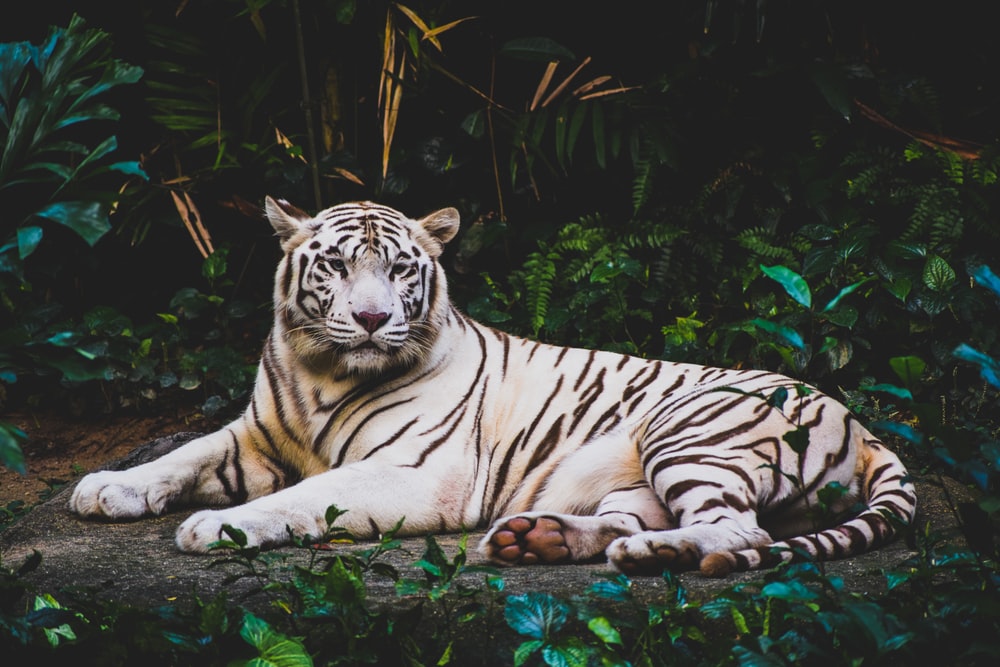
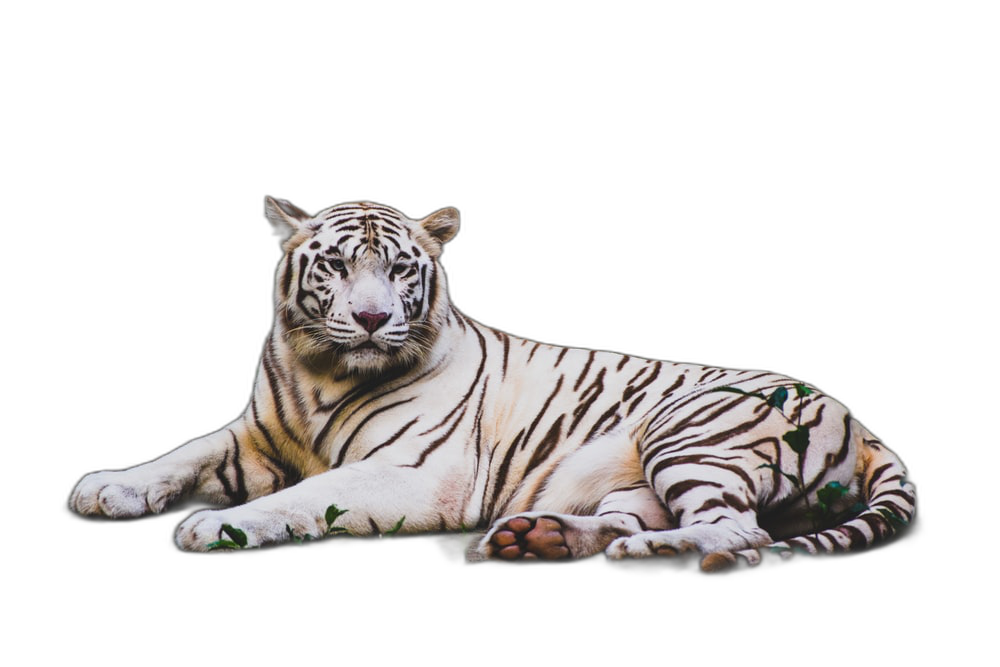
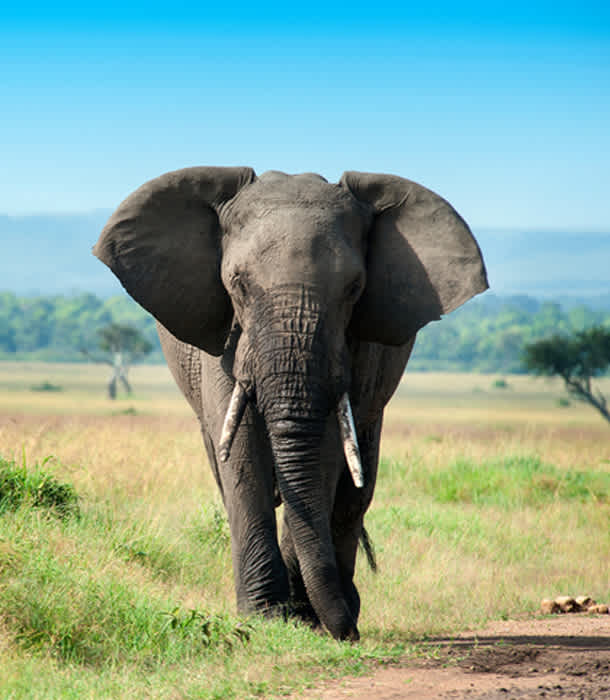
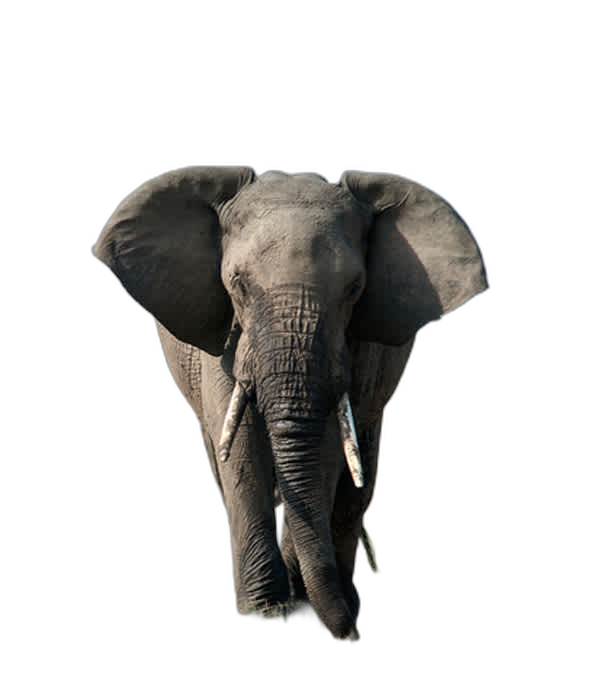
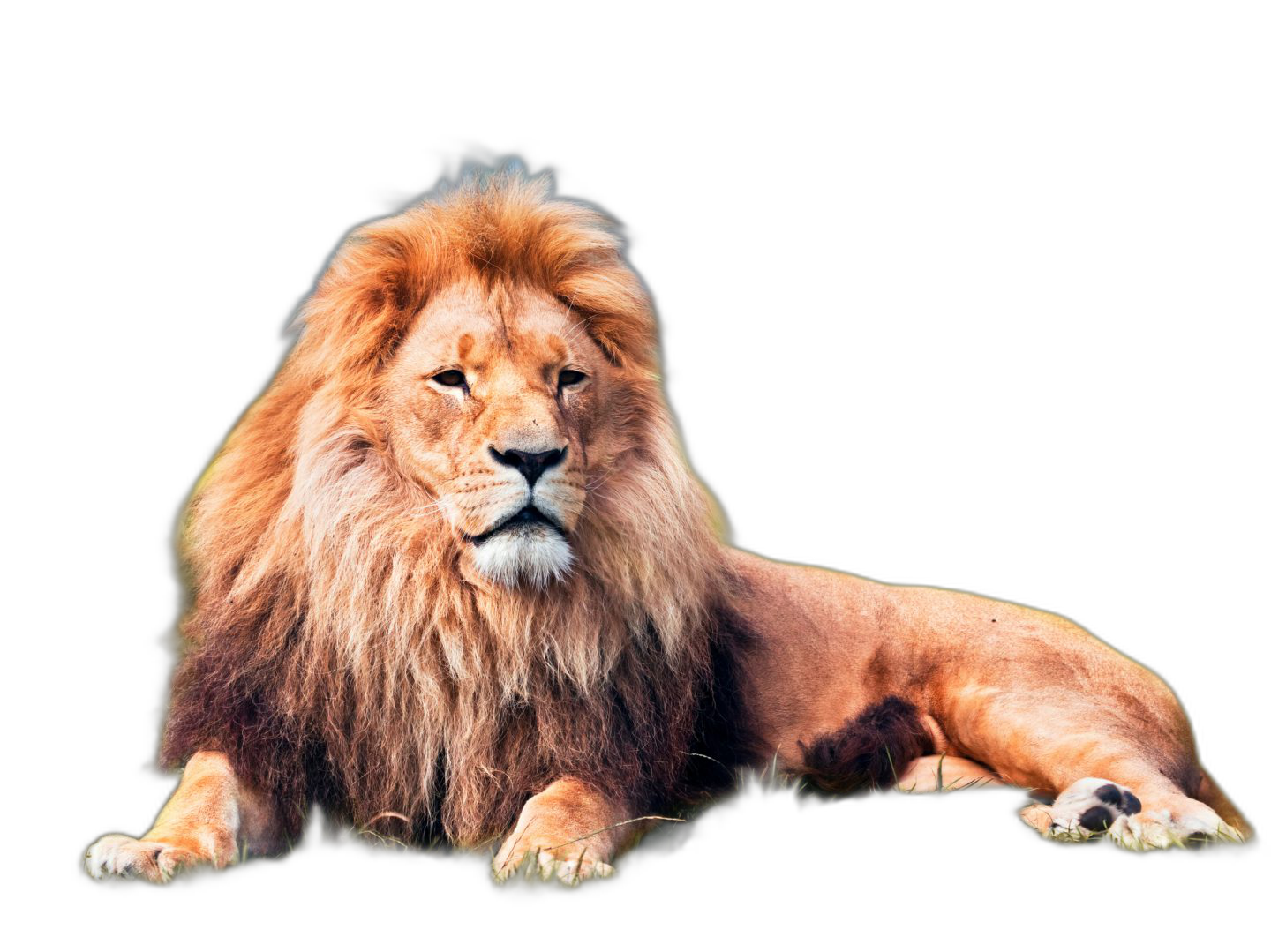
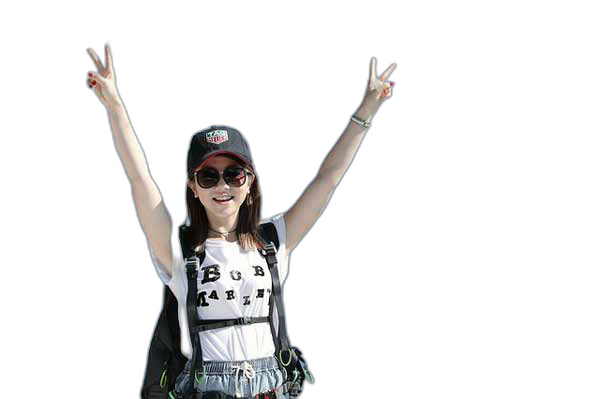
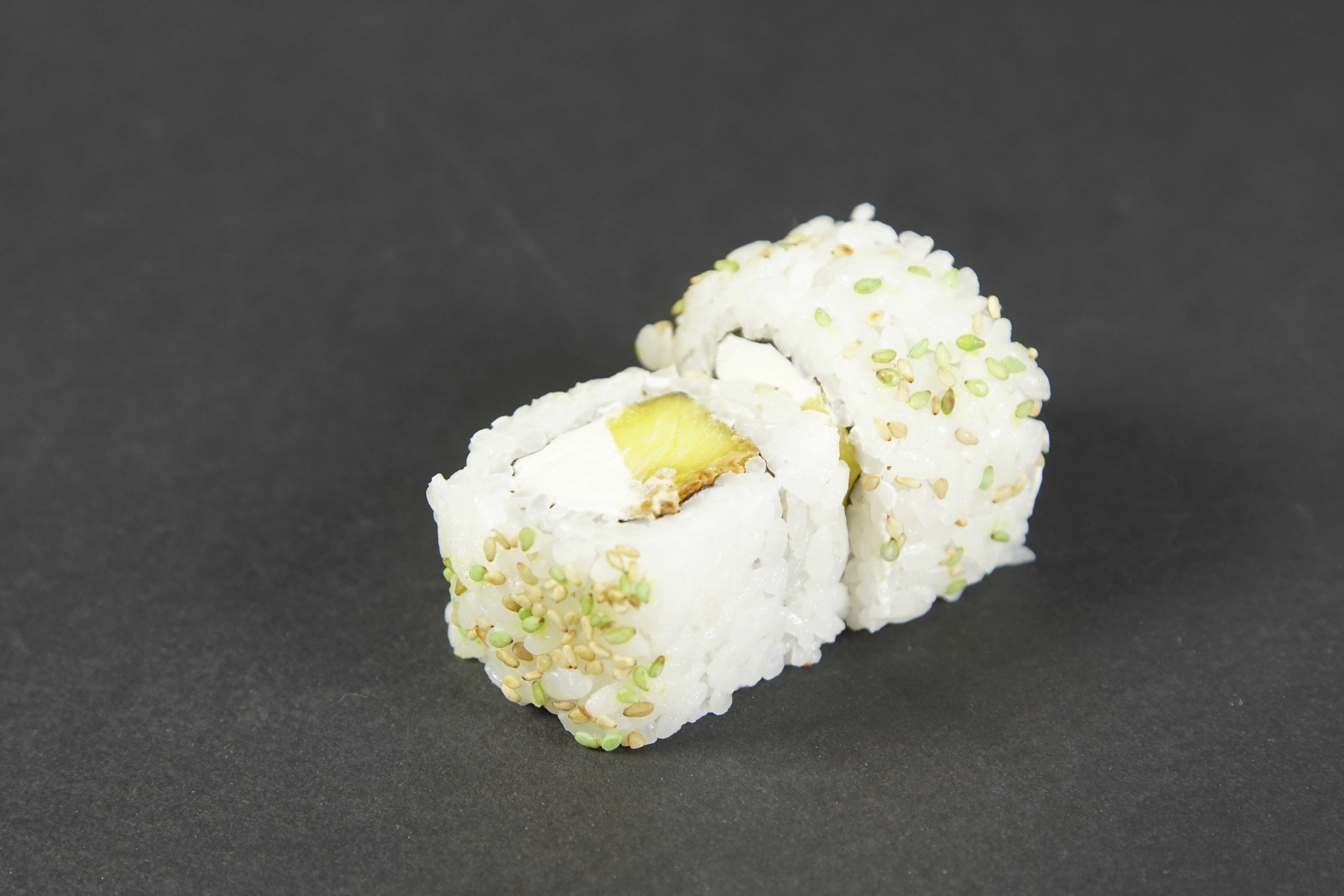
Rembg is a tool to remove images background. That is it.
#### *** If you want to remove background from videos try this this fork: https://github.com/ecsplendid/rembg-greenscreen ***
### Requirements
* python 3.8 or newer
* torch and torchvision stable version (https://pytorch.org)
#### How to install torch/torchvision
Go to https://pytorch.org and scrool down to `INSTALL PYTORCH` section and follow the instructions.
For example:
```
PyTorch Build: Stable (1.7.1)
Your OS: Windows
Package: Pip
Language: Python
CUDA: None
```
The install cmd is:
```
pip install torch==1.7.1+cpu torchvision==0.8.2+cpu -f https://download.pytorch.org/whl/torch_stable.html
```
### Installation
Install it from pypi
```bash
pip install rembg
```
### Usage as a cli
Remove the background from a remote image
```bash
curl -s http://input.png | rembg > output.png
```
Remove the background from a local file
```bash
rembg -o path/to/output.png path/to/input.png
```
Remove the background from all images in a folder
```bash
rembg -p path/to/input path/to/output
```
### Add a custom model
Copy the `custom-model.pth` file to `~/.u2net` and run:
```bash
curl -s http://input.png | rembg -m custom-model > output.png
```
### Usage as a server
Start the server
```bash
rembg-server
```
Open your browser to
```
http://localhost:5000?url=http://image.png
```
Also you can send the file as a FormData (multipart/form-data):
```
```
### Usage as a library
#### Example 1: Read from stdin and write to stdout
In `app.py`
```python
import sys
from rembg.bg import remove
sys.stdout.buffer.write(remove(sys.stdin.buffer.read()))
```
Then run
```
cat input.png | python app.py > out.png
```
#### Example 2: Using PIL
In `app.py`
```python
from rembg.bg import remove
import numpy as np
import io
from PIL import Image
input_path = 'input.png'
output_path = 'out.png'
f = np.fromfile(input_path)
result = remove(f)
img = Image.open(io.BytesIO(result)).convert("RGBA")
img.save(output_path)
```
Then run
```
python app.py
```
### Usage as a docker
Just run
```
curl -s http://input.png | docker run -i -v ~/.u2net:/root/.u2net danielgatis/rembg:latest > output.png
```
### Advance usage
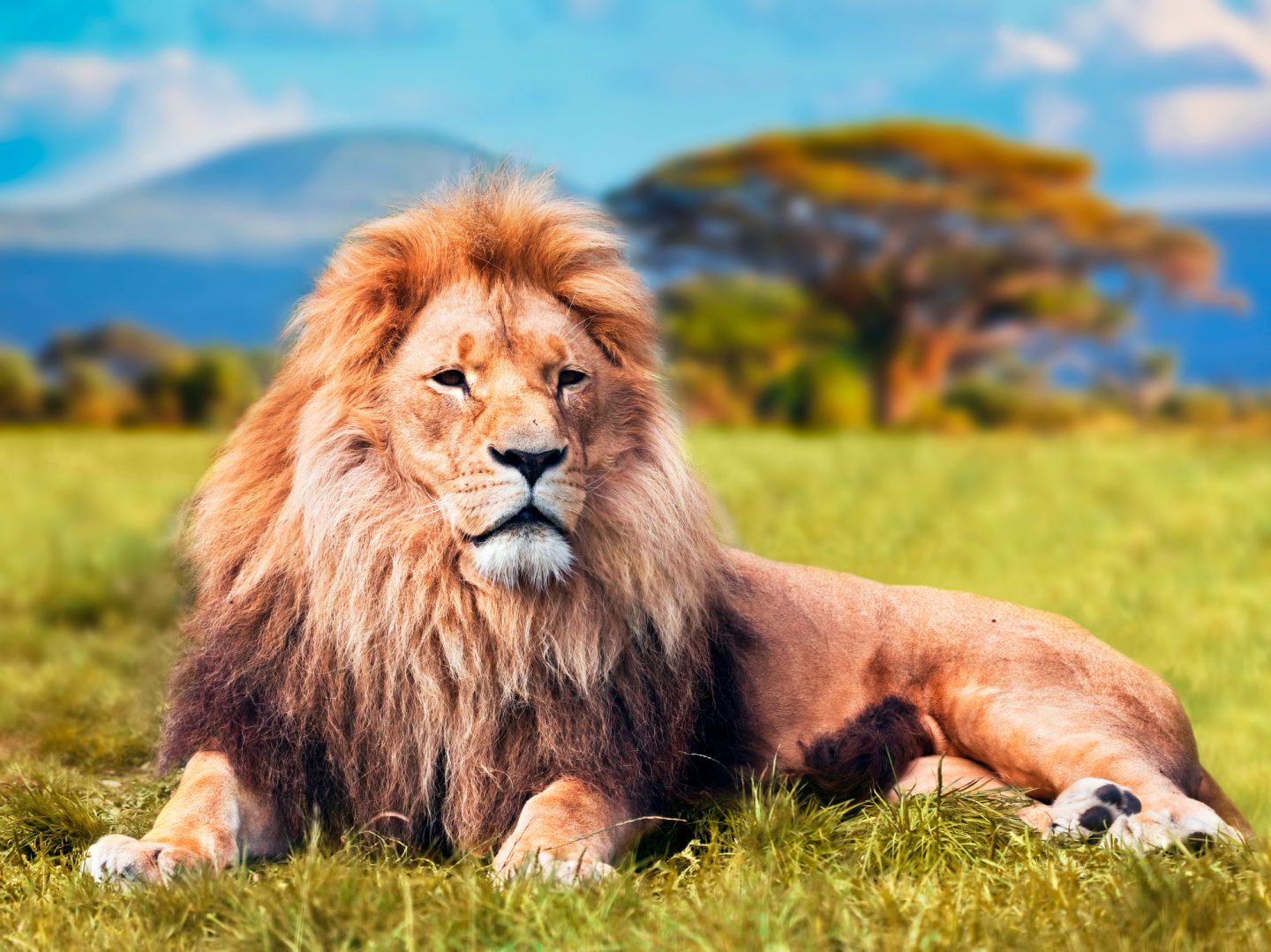
Sometimes it is possible to achieve better results by turning on alpha matting. Example:
```bash
curl -s http://input.png | rembg -a -ae 15 > output.png
```
Original
Without alpha matting
With alpha matting (-a -ae 15)
### References
- https://arxiv.org/pdf/2005.09007.pdf
- https://github.com/NathanUA/U-2-Net
- https://github.com/pymatting/pymatting
### Buy me a coffee
Liked some of my work? Buy me a coffee (or more likely a beer)
### License
Copyright (c) 2020-present [Daniel Gatis](https://github.com/danielgatis)
Licensed under [MIT License](./LICENSE.txt)













 ### License
Copyright (c) 2020-present [Daniel Gatis](https://github.com/danielgatis)
Licensed under [MIT License](./LICENSE.txt)
### License
Copyright (c) 2020-present [Daniel Gatis](https://github.com/danielgatis)
Licensed under [MIT License](./LICENSE.txt)