# easypan
**Repository Path**: ykk-html5/easypan
## Basic Information
- **Project Name**: easypan
- **Description**: No description available
- **Primary Language**: Unknown
- **License**: Not specified
- **Default Branch**: main
- **Homepage**: None
- **GVP Project**: No
## Statistics
- **Stars**: 0
- **Forks**: 1
- **Created**: 2025-08-12
- **Last Updated**: 2025-12-06
## Categories & Tags
**Categories**: Uncategorized
**Tags**: None
## README
# Easy云盘
[Easy云盘项目](https://sx-code.github.io/wiki/easypan/01_introduce/index.html#start)是一个类似百度云网盘的云盘项目,主要包含下面的功能:
- **文件上传功能**:包括生成文件md5、大文件切片上传、文件秒传、视频和图片文件转码等功能。
- **文件分享功能**:
- **文件放回收站**:文件删除后会进入回收站,可以恢复或者彻底删除。
- **文件预览功能**:实现了常见功能的预览,包括:文档文件(docx, pdf, excel)、代码文件、图片文件、视频文件、音频文件。
后端技术:Spring Boot + Mybatis Plus + MySQL + Redis
前端技术:vite vue + axios + pinia + router + js + Element Plus
开发工具:IntelliJ IDEA、Visual Studio Code、ApiPost7
核心技术
| 文件转码 | FFmpeg |
| -------- | ------------------------------------ |
| 文件预览 | dplayer、vue-office、el-image-viewer |
| 文件MD5 | spark-md5 |
| 验证码 | BufferedImage |
## 项目预览
登陆页面

主页面
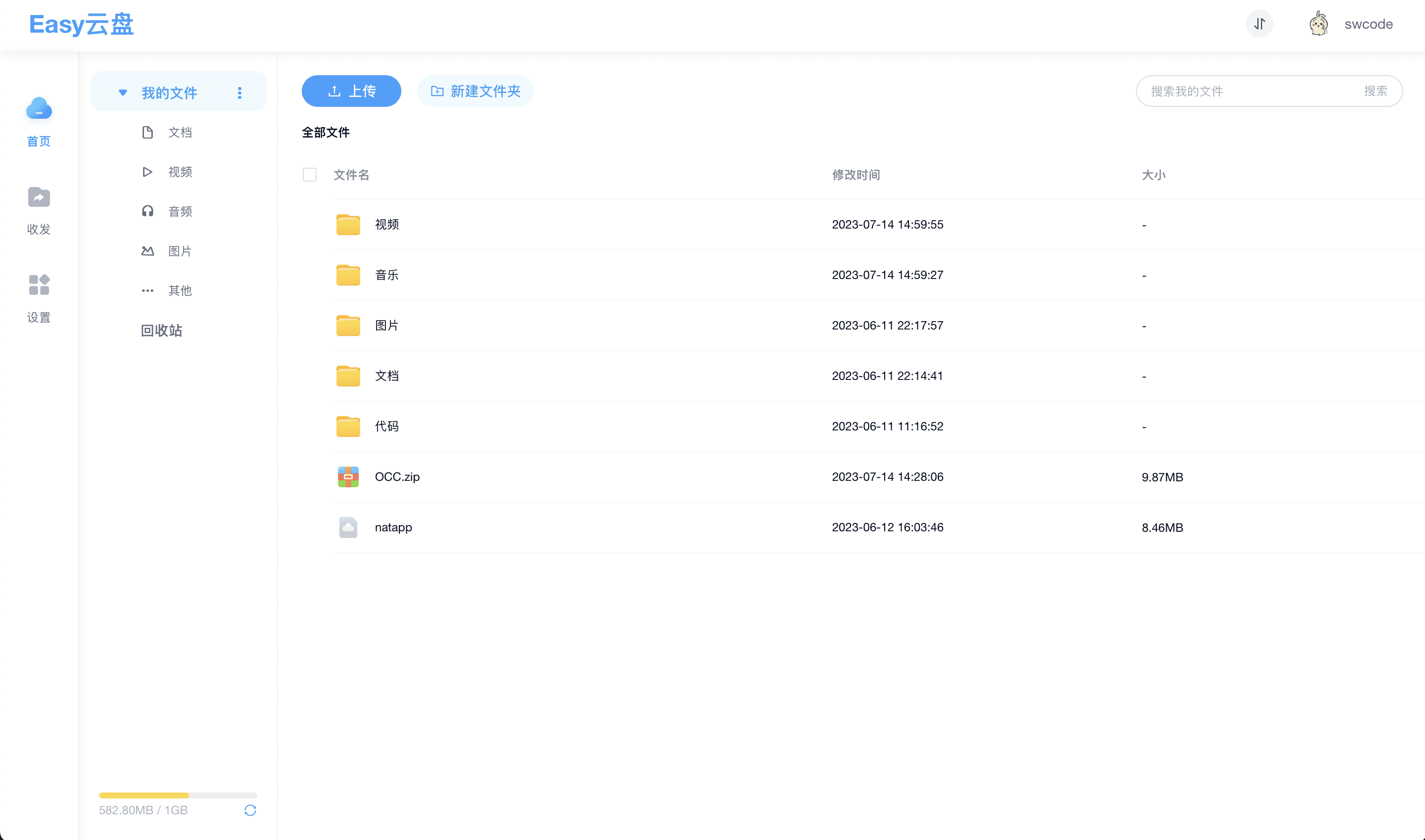
图片预览

音乐播放

文件预览
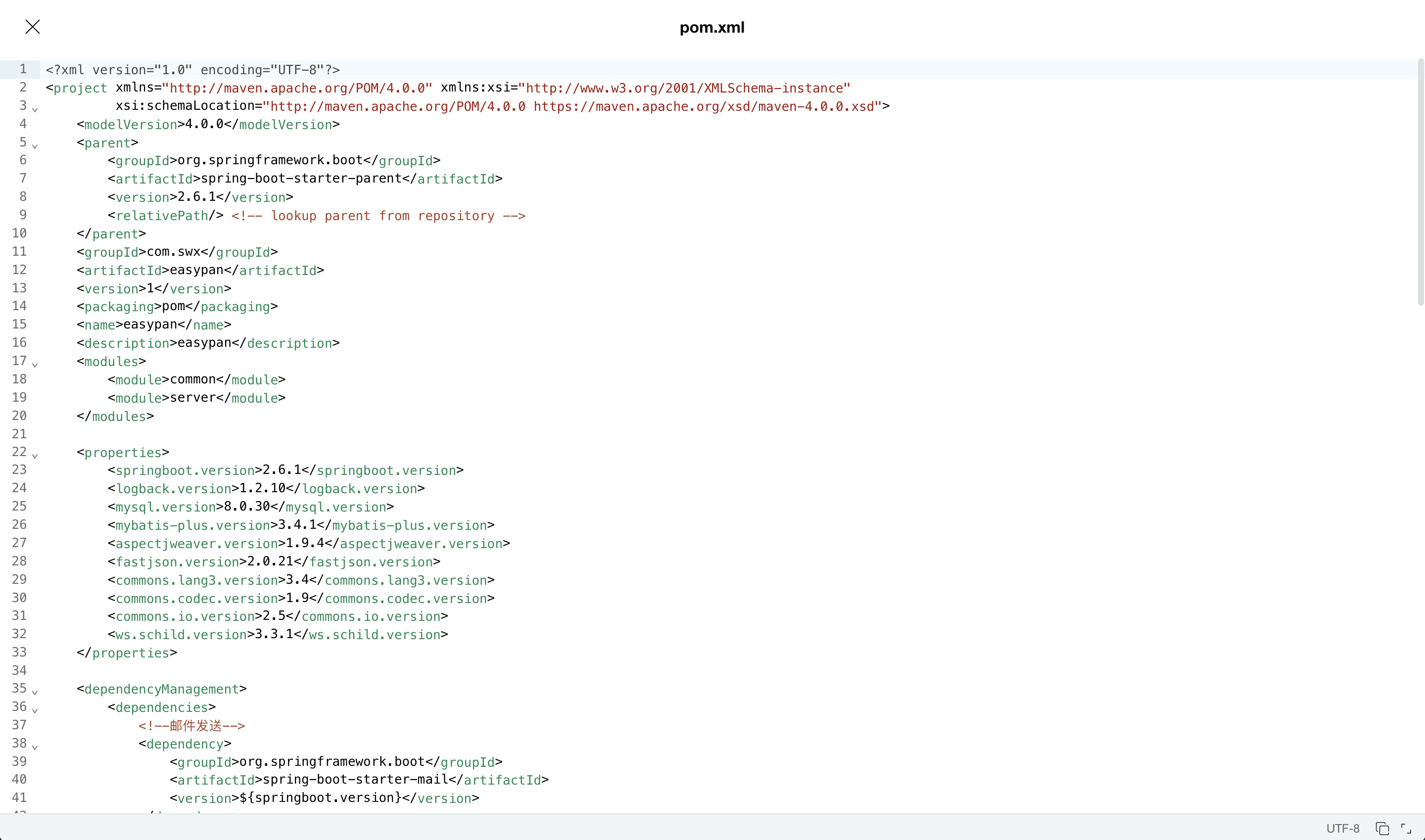
视频播放

## 启动项目
### 目录说明
```bash
.
├── easypan-server # 后端项目
│ ├── easypan.sql # 数据库sql
├── easypan-web # 前端项目
├── webser # 文件资源路径,在application.properties中配置
```
### 启动前端
#### 依赖安装
```sh
npm install
```
#### 编译运行
```sh
npm run dev
```
#### 编译构建
```sh
npm run build
```
#### 代码格式化
```sh
npm run lint
```
### 启动后端
1、运行`easypan.sql`脚本文件,导入数据
2、在`application.properties`配置mysql
3、在`application.properties`配置 redis
4、在`application.properties`配置资源路径,即`webser`所在目录